
Ejecting CDs
- Ejecting a CD
To select the CD to be ejected, press “ � or “
 � on the “TYPE•DISC� button.
The selected disc number is shown on the display.
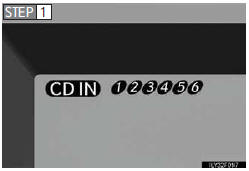
 Press
Press
 and remove the CD.
- Ejecting all the CDs
Press and hold  until you hear a beep,
and then remove the CDs.
until you hear a beep,
and then remove the CDs.
See also:
Trailer towing tips
Your vehicle will handle differently when towing a trailer. Help to avoid an
accident, death or serious injury, keep the following in mind when towing:
• Speed limits for towing a trailer vary by ...
Route preference
To select route type
You can designate the route conditions of the route to the destination.
1. Touch “Route�.
2. Touch “Preferences�.
3. Touch “Quick�, “Short� or “Alterna ...
Navigation settings
“Home� and “Preset Destinations� can be set and edited.
Points or areas on the map can be registered.
On this screen, the following operations can be performed.
...